
What you need
- Access to your account's mailbox
Request a link
Click Forgot password? in the second sign-in step – or open app.my-store-locator.com/#/forgot.
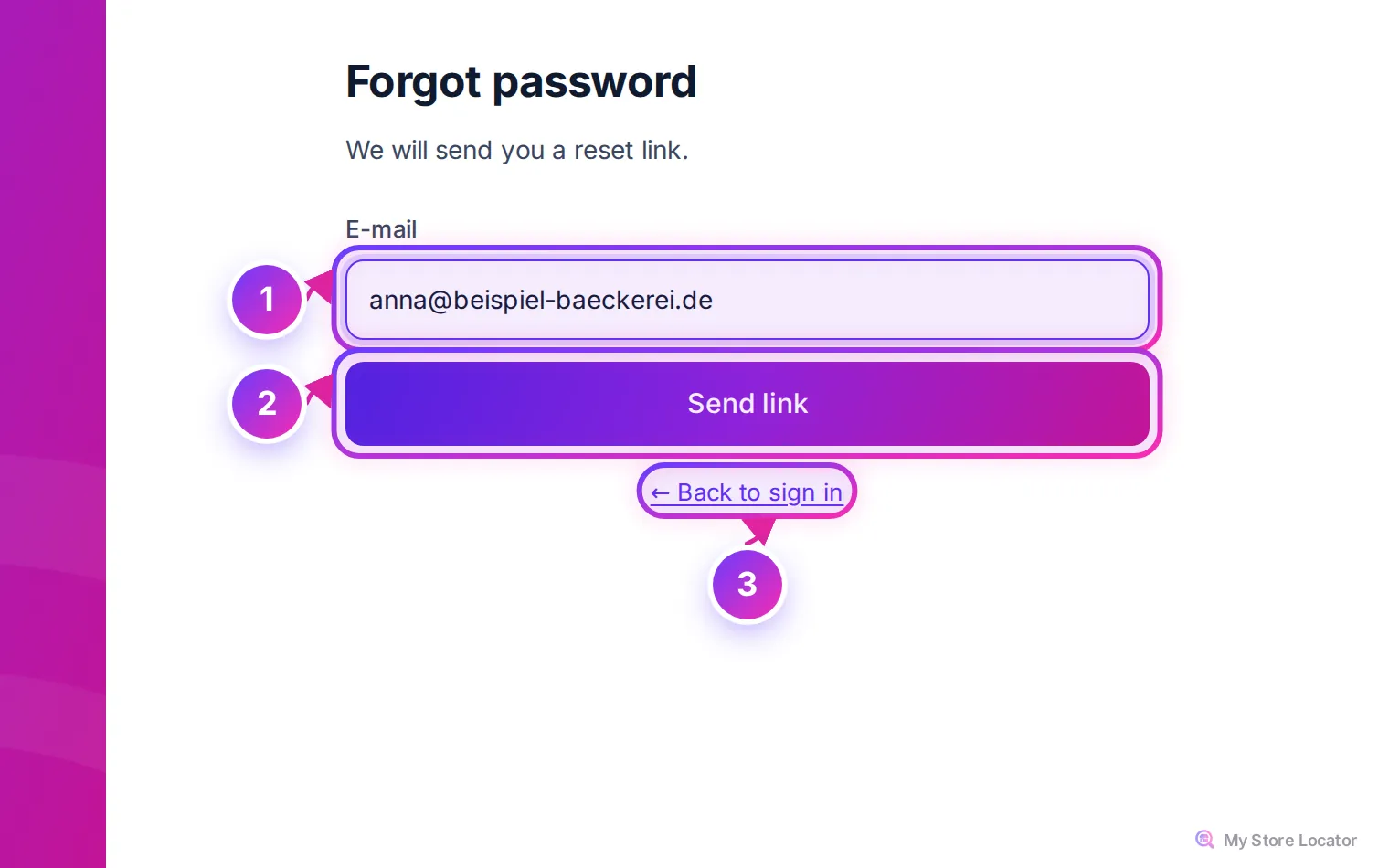
- Enter your account's e-mail.
- Click Send link. For security reasons the message always says that a link was sent if an account exists.
- Back to sign in takes you back.
Tip: The link in the e-mail opens Set a new password. If the link has expired, simply request a new one.
Good to know
No e-mail received?
Check your spam folder and whether the address is right. If you signed up with Google or Microsoft, there may be no password – sign in there instead.