
What you need
- The owner or administrator role
- A program to open ZIP files (built into Windows and macOS)
Start the export
Open Settings → Privacy and scroll to the Data export card.
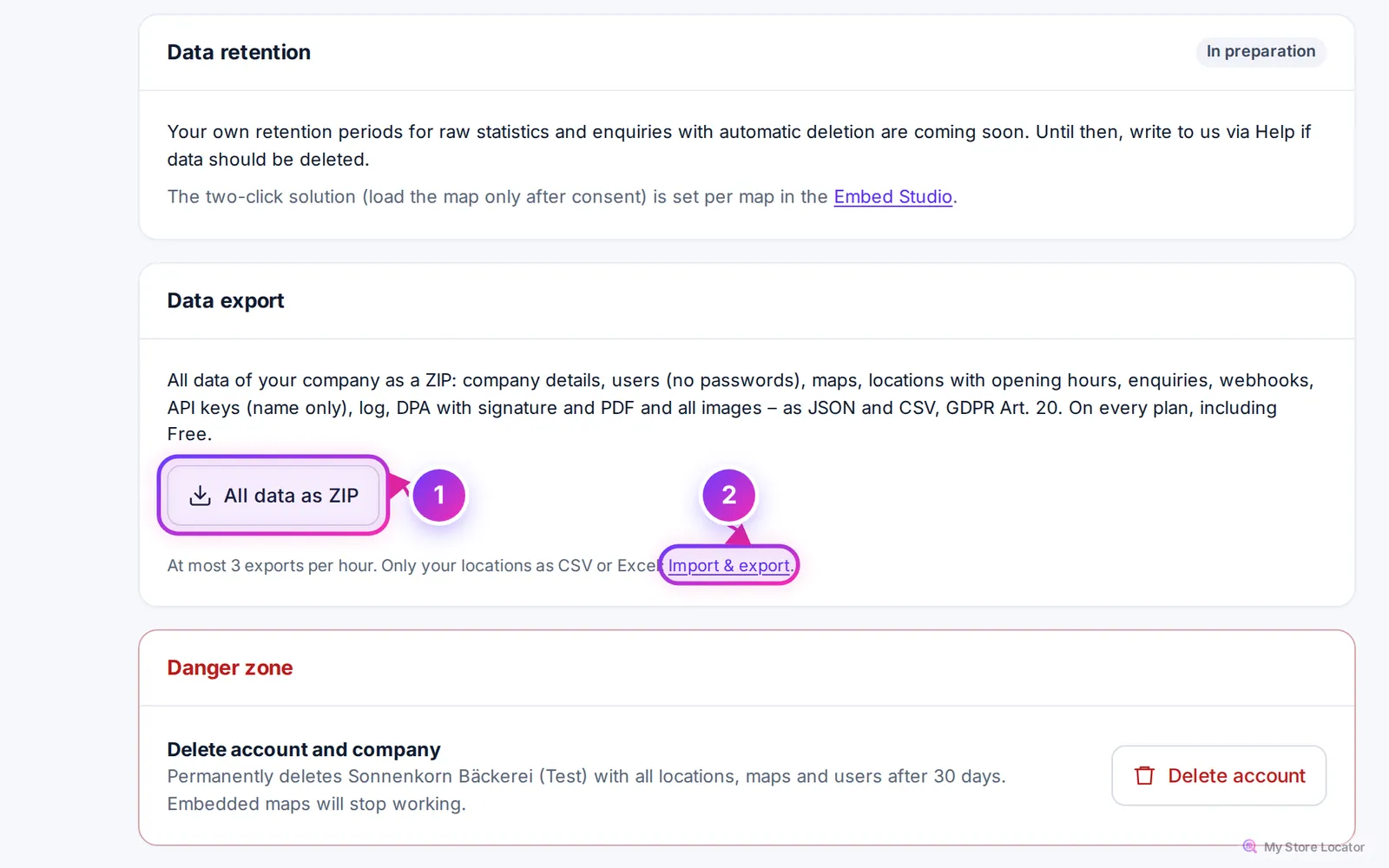
- Click All data as ZIP. The browser downloads a file such as "my-store-locator-export-<company>-<date>.zip".
- If you only need your locations as CSV or Excel, use Import & export.
| In the ZIP | Content |
|---|---|
| company | Company details, branding, settings |
| users, roles | Users and custom roles – without passwords |
| maps, map-locations | Maps with settings and which locations are on which map |
| locations, opening-hours | Locations with address, coordinates, fields and opening hours |
| categories, statuses, custom-fields | Your categories, statuses and custom fields |
| enquiries, cards | Enquiries from the contact form, contact cards |
| webhooks, api-keys, connections | Webhooks without secret, API keys with name and prefix only, app and website connections |
| audit-log | The log of all changes |
| files/images | All uploaded images |
Tip: At most 3 exports per hour. Each area is in the ZIP twice: as JSON (complete, for programs) and as CSV (semicolon, UTF-8, for Excel). The README.txt file explains everything in German and English.
Good to know
Are passwords in the export?
No – not even encrypted. Webhook secrets and full API keys are missing too; these values are never handed out.
Can I import the export again?
The ZIP export is meant for archiving and handing over. You import locations via Import & export as CSV or Excel.
Why can't I see the button?
Only owners and administrators may start the full export.